Create an account
Sign up to Wheelop with your email address and a password
To use Wheelop you need a user account.
- Open Wheelop. On the sign-in page, select Sign up, next to Don't have an account?.
- Enter your Email and a Password.
- Select Sign up.
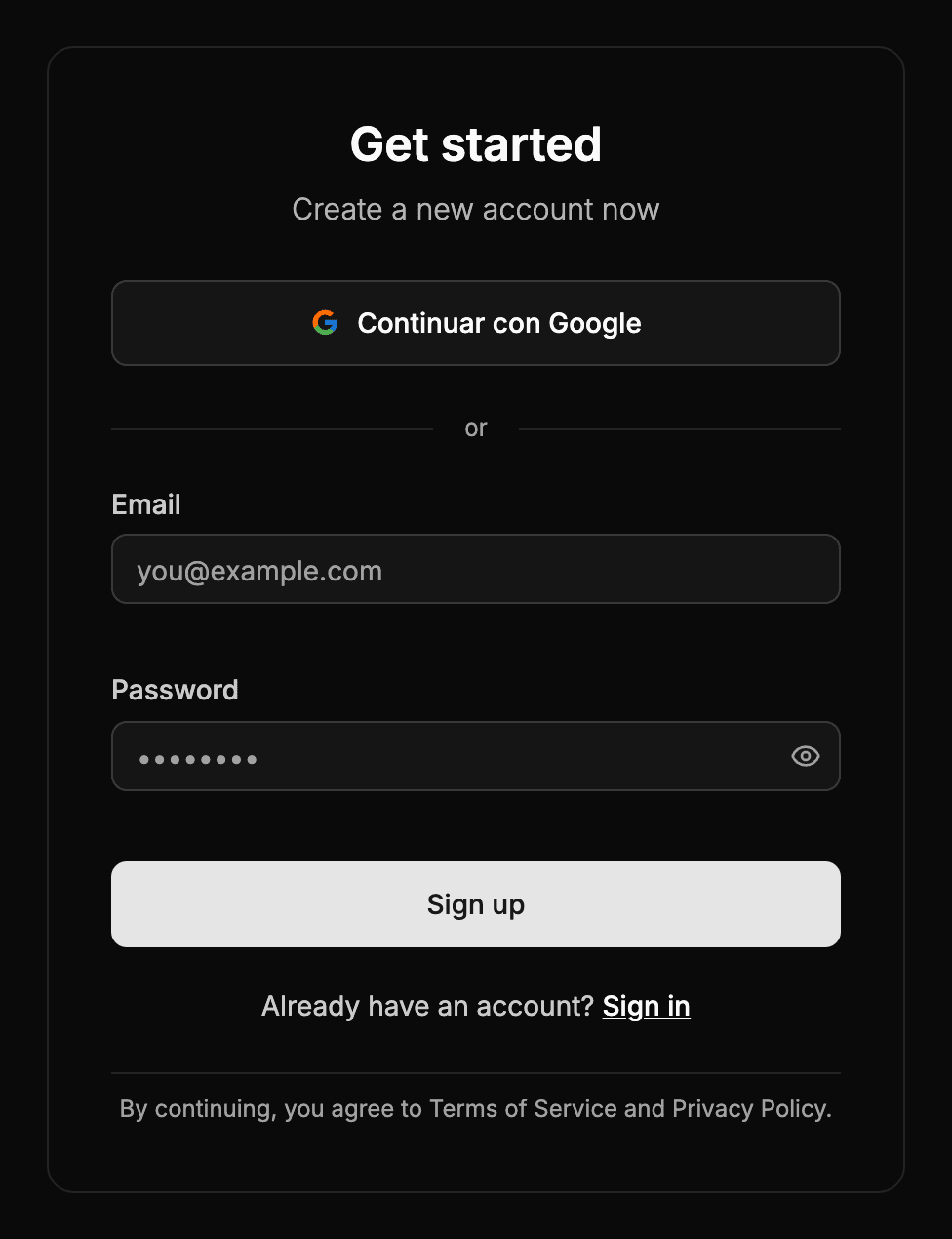
Once the account is created, Wheelop takes you to the platform.
Password requirements
The password must have between 8 and 50 characters and contain at least:
- one lowercase letter and one uppercase letter,
- one number,
- one symbol, such as
!,@,#or?.
If you already have an account, select Sign in, below the form.